FlexxDirect: Seamlessly Process Direct Bank Transactions From Your Customers On Funded Loans
Construct your sale
Eliminate uncertainty
Process payments via ACH
What Is FlexxDirect?
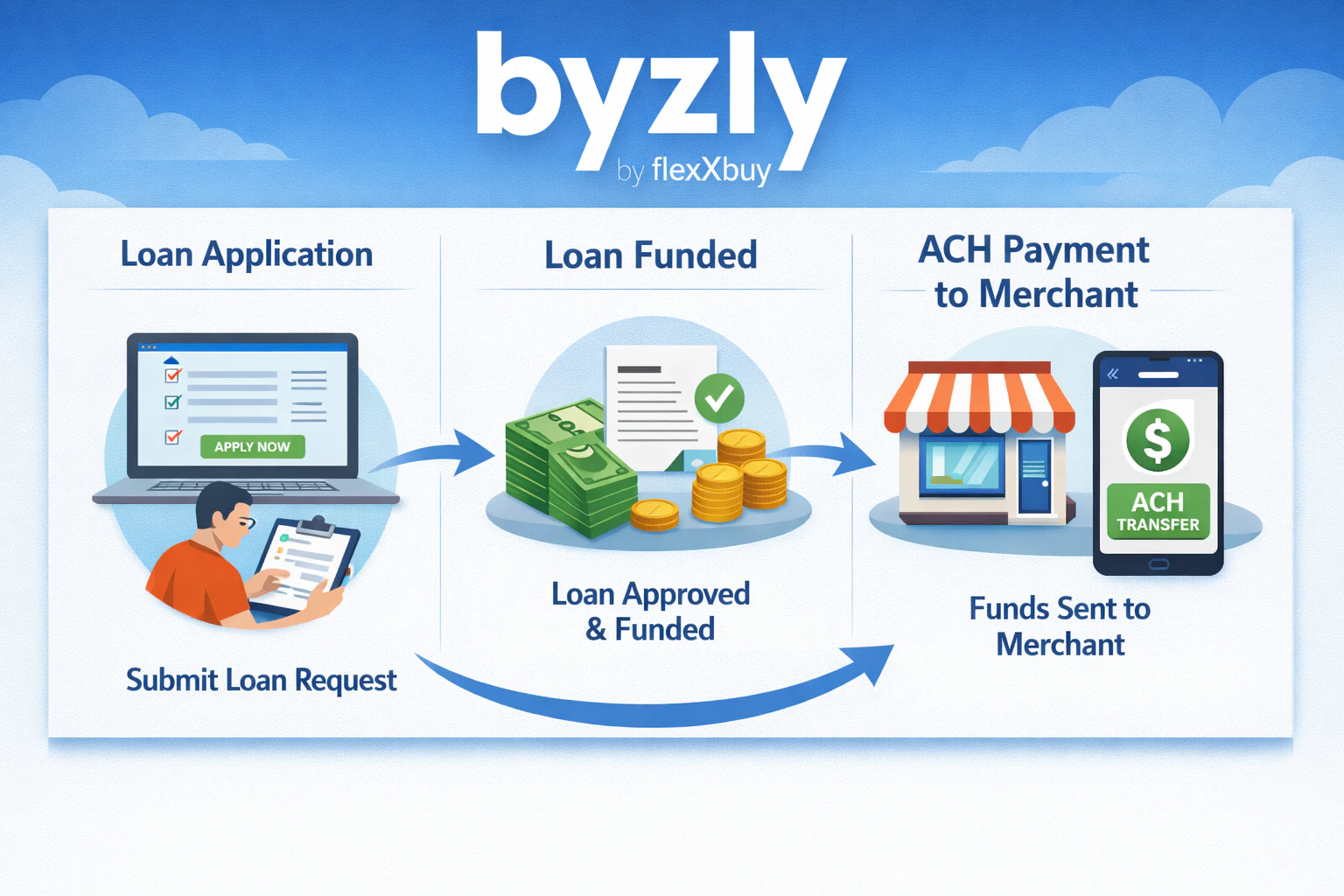
FlexxDirect uses the Byzly Payment Hub to smooth over two friction points associated with the Credit Select Plus Direct-to-Borrower financing platform. First, through Byzly invoicing, your business can construct and solidify sales and set up associated payments. With FlexxDirect, your business reduces the risk of sale fallout.
Second, it creates a payment pipe that is easily implemented upon loan funding notification. With FlexxDirect, when you are notified that the loan has funded, you can implement the ACH payment from your customer directly through the Byzly Payment Hub Invoice or Quick Payment feature.
Note: FlexxDirect requires access to the Byzly Payment Hub. If you do not have access, contact Support@Byzly.com.
How FlexxDirect Works
Step 1
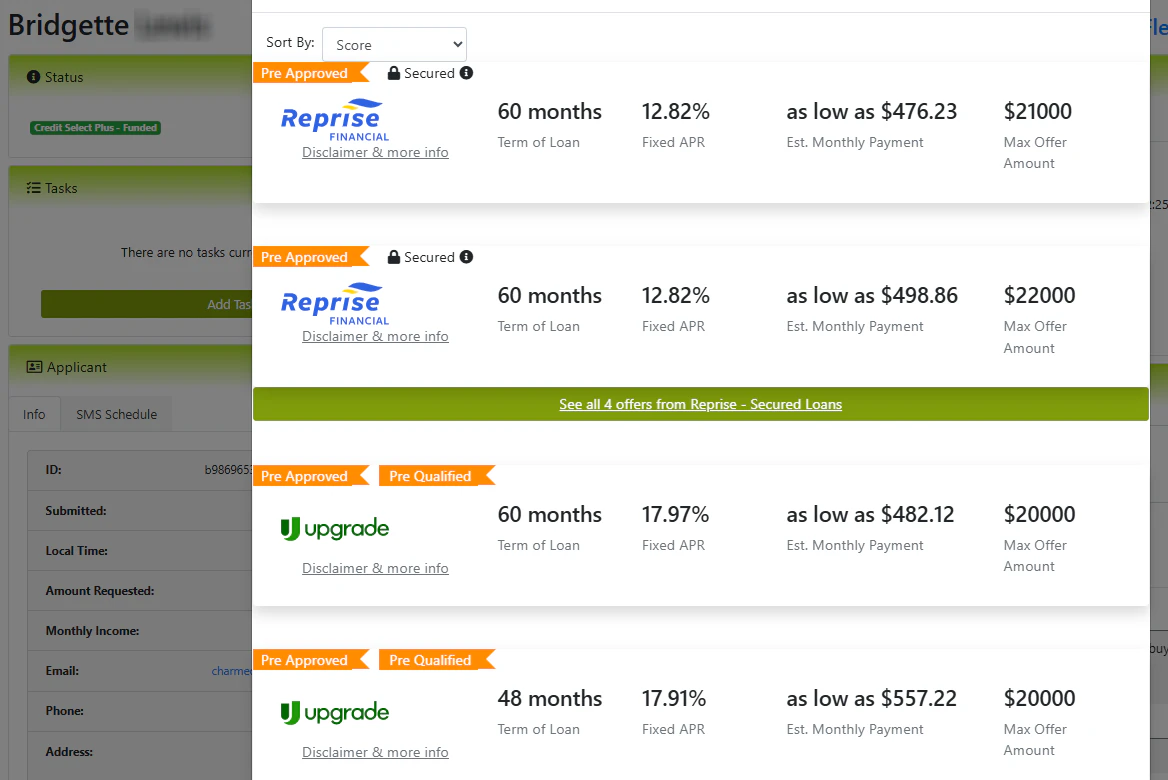
Your prospective customer completes a Credit Select Plus application and selects one of the offers.
How FlexxDirect Works
Step 2
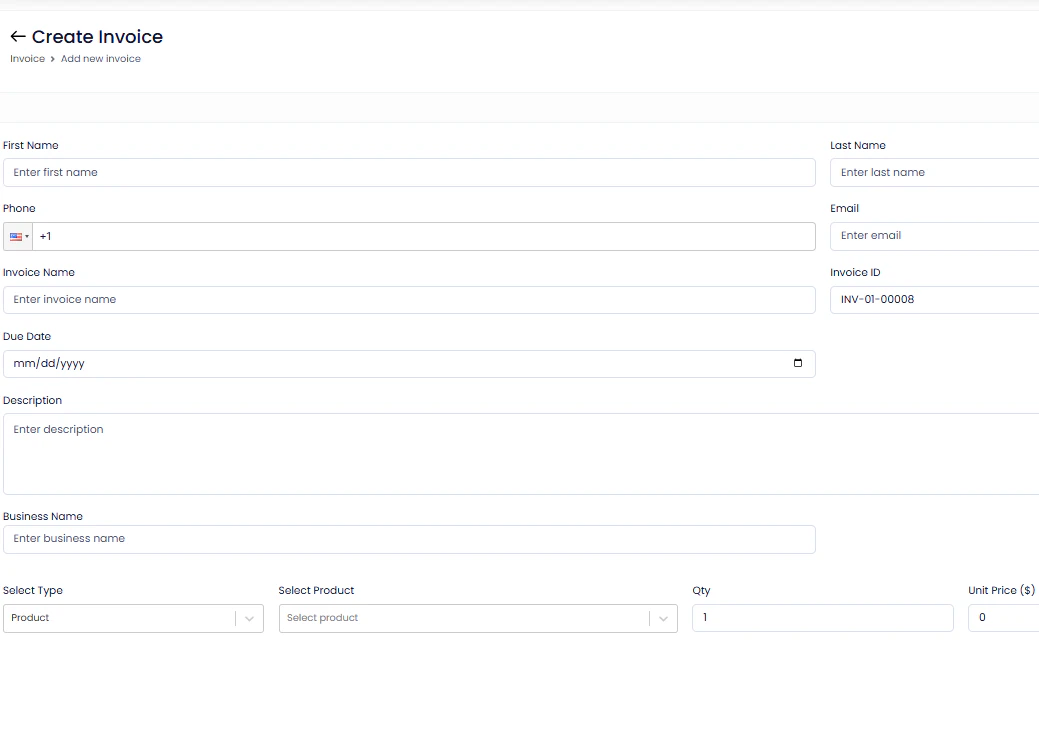
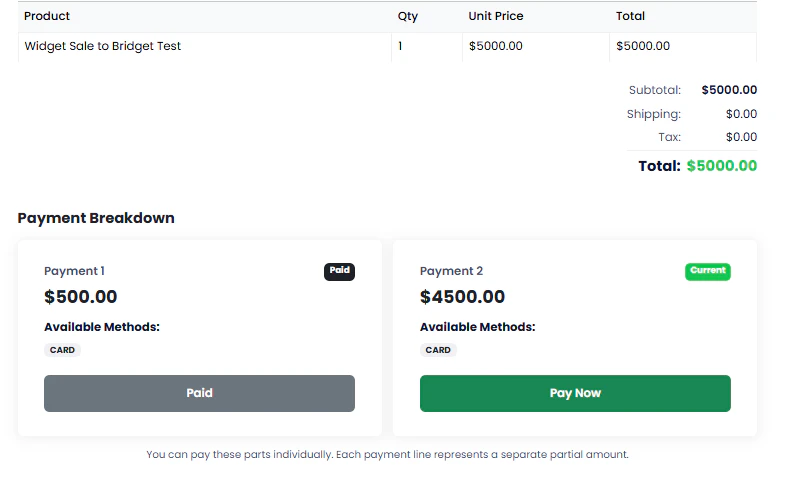
Construct your sale using Byzly Invoices in the Payment Hub
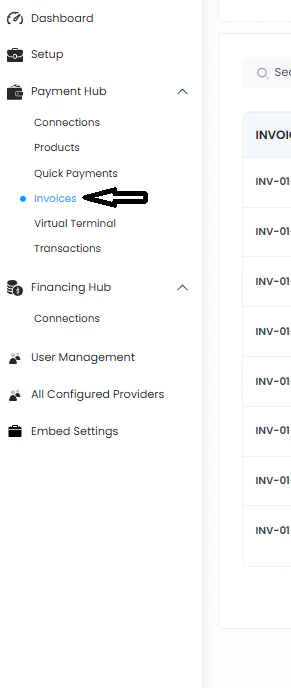
Click on the Invoices tab and then click Create.
Note, in order to use Byzly Invoices, Payment Providers must be Configured in the Byzly Payment Hub. For FlexxDirect, you will need, at minimum, ACH payments. To learn how to setup the ACH Provider in Byzly, Click Here. To learn how to connect other Providers, Click Here.
View the video below to learn how to construct a sale using the Byzly Invoicing.
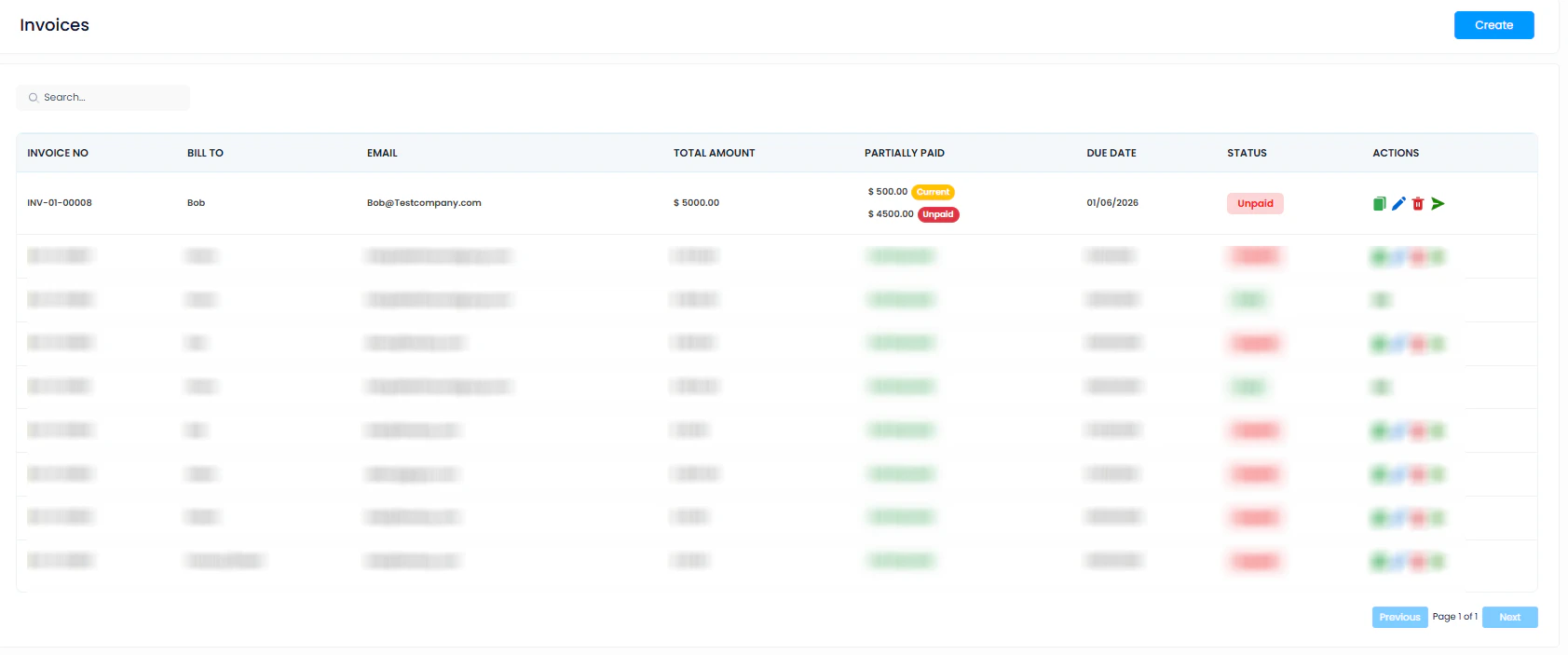
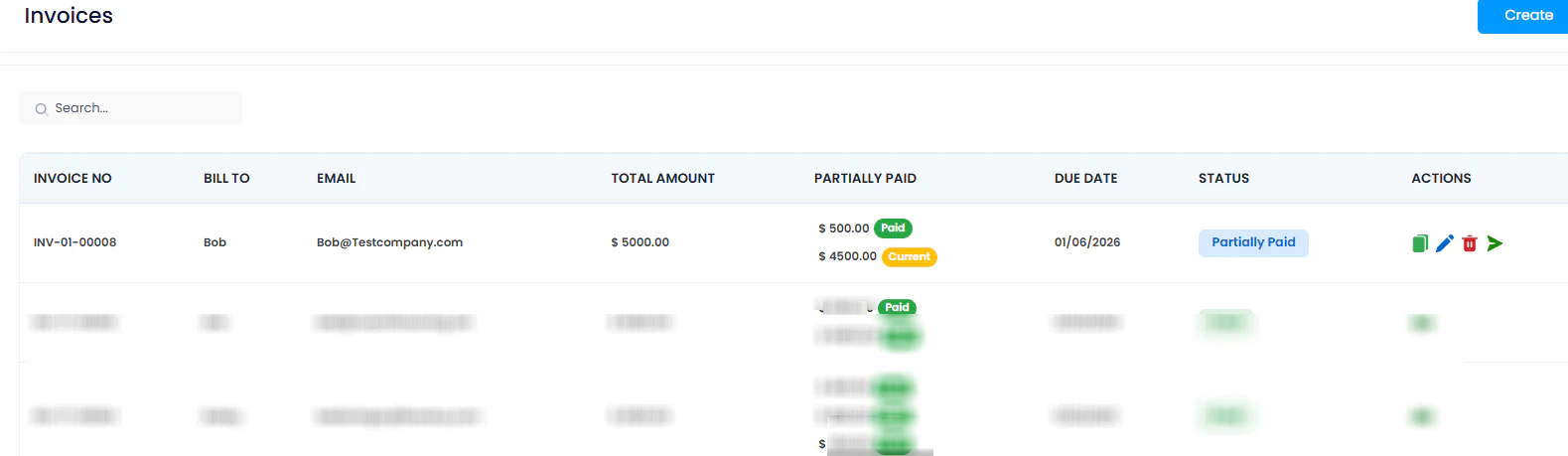
After the invoice is created, it will appear in the Invoices log this way.
Note: Check your transaction limit with GoCardless prior to setting up ACH payments. By default, the GoCardless limit is $5,000 per transaction. You can request an increase of the limit and/or set up multiple final payment amounts to stay within the transaction limit. For instructions on GoCardless, Click Here.
For Credit Select Plus best practices, we highly recommend taking an initial deposit using the Byzly Payment Hub. While we focus on Invoices, Byzly provides multiple methods of collecting ecommerce payments from your customer.
After the initial deposit is made it will show as Paid in the Invoices section.
How FlexxDirect Works
Step 3
Collecting the final portion of your sale after the Credit Select Plus loan funds.
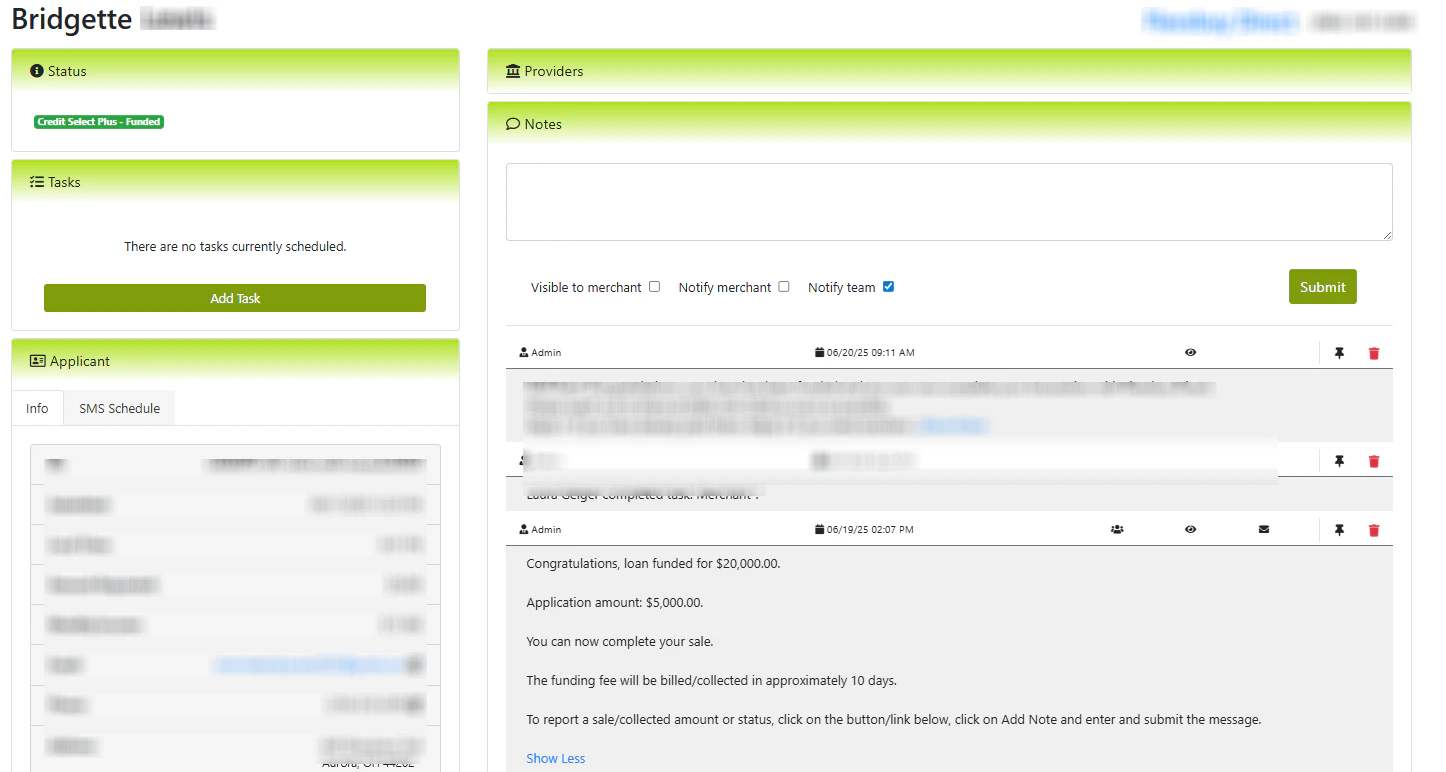
Once you are notified that your customer's loan has funded, it's time to complete your sale. The Credit Select Plus platform will notify you, via email, of the funding, and it will appear in the Credit Select Plus portal. It's also possible that your customer will notify you prior to the notification through the platform.
Go into Byzly and send the invoice to the customer for final payment.
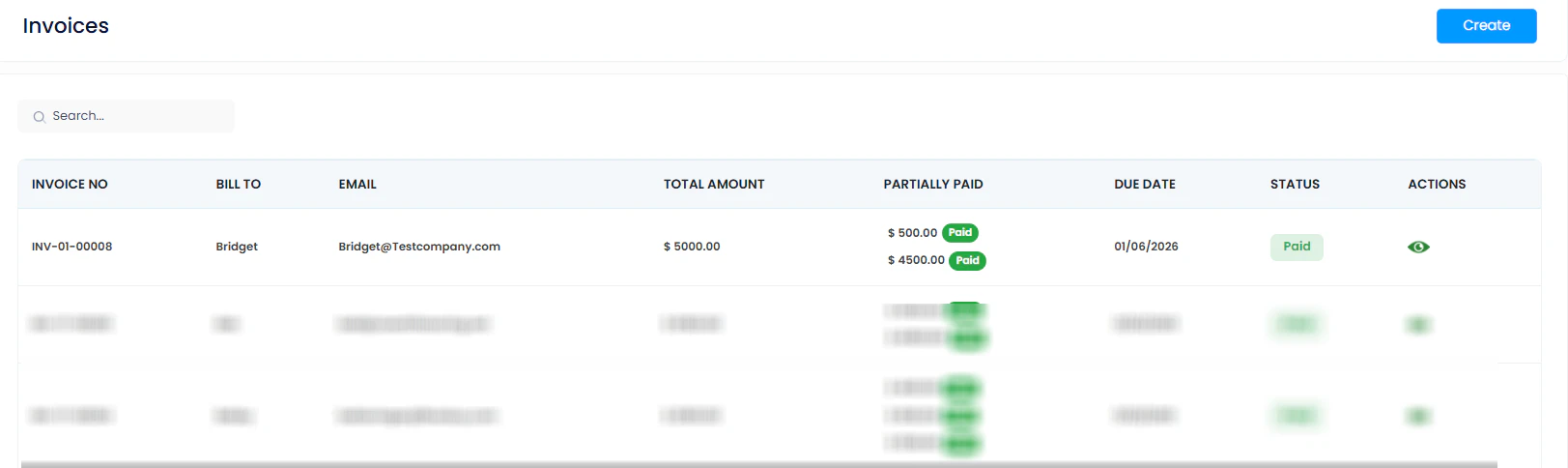
Your customer pays the invoice via ACH using the funds that have been deposited from the funded loan. ACH payments will typically take 3-4 days to clear. Once the payment clears, it will appear in Byzly Invoices as Paid.
Byzly, your trusted path from Prospect to Customer.